Short answer: upload a text-based PDF to PDF to Markdown, convert it, then review the headings, lists, links and tables before pasting the Markdown into ChatGPT, Notion or technical documentation. The conversion is most reliable when the PDF already contains selectable text.
What does PDF to Markdown conversion give you?
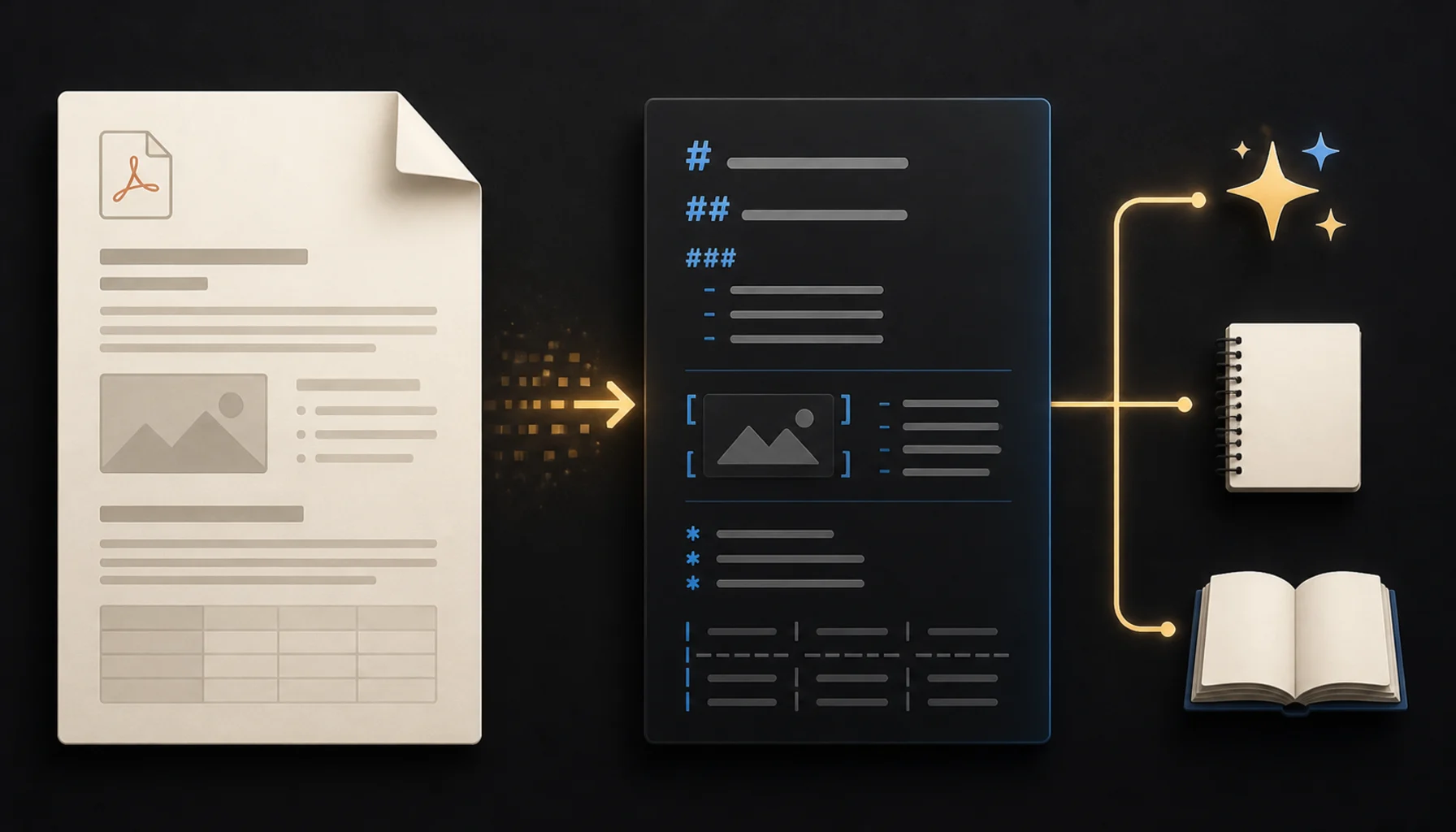
It turns the readable structure of a PDF into plain Markdown: headings become # levels, paragraphs become text blocks, lists become bullets or numbers, and links can be checked as normal Markdown links. The goal is an editable text format that is easier to search, reuse and version than a page-shaped PDF.
How to convert a PDF to Markdown
- Open the converter: use PDF to Markdown in your browser.
- Select your PDF: choose the document you want to reuse.
- Download the Markdown: save the generated .md file and open it in a text editor before importing it elsewhere.
What if the PDF is scanned?
A scanned PDF is usually a set of page images rather than a document with a text layer. Markdown conversion cannot reliably recover text that is not present as text. Run OCR first, or use a workflow that recognizes the scan, then proofread names, numbers, tables and punctuation before relying on the result.
How to clean Markdown for AI tools and documentation
| Check | What to look for | Why it matters |
|---|---|---|
| Headings | One clear title and logical heading levels | Improves navigation and chunking |
| Lists | Consistent bullets and numbering | Preserves steps and requirements |
| Tables | Columns still align and no cells are missing | Prevents misleading summaries |
| Links | URLs point to the intended destination | Keeps references usable |
What should you check before publishing or prompting?
- Compare the first and last page with the Markdown output.
- Search for missing names, dates, numbers and section headings.
- Check that page order is correct after conversion.
- Review tables separately; complex layouts may need manual cleanup.
- Remove repeated headers and footers if they interrupt the reading flow.
For a clean text PDF, this workflow gives you a practical starting point for a prompt, a knowledge base or a documentation draft. Keep the original PDF beside the Markdown file so you can verify any important detail against the source.